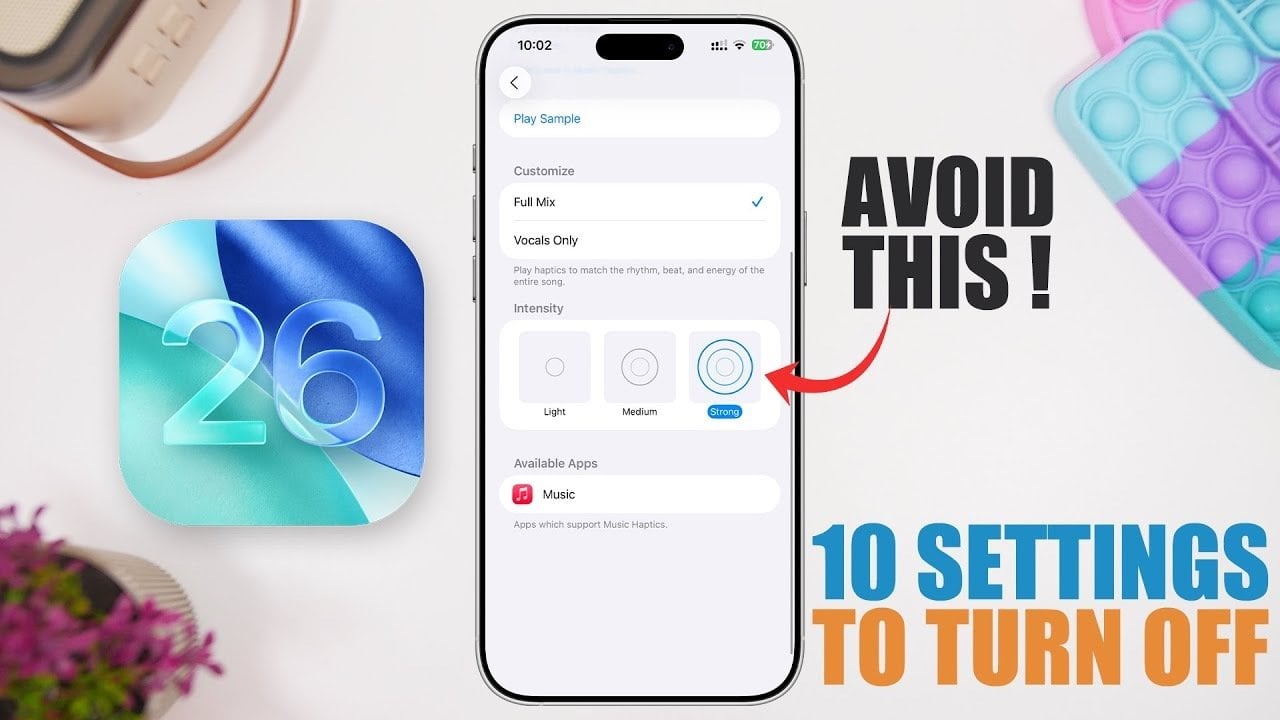
Are you ready to unlock the full potential of your iPhone? With the introduction of iOS 16 settings, there are numerous features designed to streamline your device’s functionality. However, some of these settings can inadvertently drain your battery, impact performance, and consume storage space. Did you know that by adjusting just a few settings, you can significantly enhance your iPhone’s efficiency? This guide will reveal essential iOS 16 settings you should consider modifying to optimize your device. Let’s dive in!
Top iOS 16 Settings to Improve Battery Life
The latest iOS 16 settings bring a plethora of features aimed at enriching your user experience. However, to keep your device operating smoothly, it’s crucial to turn off certain settings that might not align with your usage patterns.
1. Optimize Screenshot Settings
While taking screenshots can be quite handy, some settings in iOS 16 can unnecessarily consume storage space. Here’s how to enhance this feature:
- Disable HDR for Screenshots: HDR images require more space. Turning this feature off can save precious storage without diminishing usability.
- Turn Off Full-Screen Previews: This reduces visual clutter and allows you to focus on what’s essential.
Such small alterations can help you in better managing your device’s storage while retaining important functionalities.
2. Manage Messages Settings
The Messages app now features animated backgrounds in iOS 16, which can drain your battery faster than typical settings. Consider the following adjustments:
- Disable Animations: Turning off these animations allows for energy conservation.
- Limit Large Media Files: Keeping large media files to a minimum not only saves space but also optimizes performance.
These changes can help maintain a seamless messaging experience while conserving battery life.
Streamlining Your iPhone for Efficiency
3. Adjust Lock Screen Features
While the new spatial scene effect on the lock screen is visually appealing, it requires substantial processing power. Consider the following:
- Turn Off Spatial Effects: This adjustment can lead to improved battery life, particularly for older devices.
Prioritizing function over aesthetics can substantially enhance your device’s performance.
4. Refine Accessibility Settings
There are robust accessibility features like sound recognition that can run persistently in the background. If you don’t frequently use them, consider these actions:
- Disable Sound and Name Recognition: If you don’t need them, turn them off to conserve battery.
- Turn Off Music Haptics: This helps to reduce the strain on your device’s haptic motor, conserving power.
These simple tweaks can contribute to keeping your iPhone efficient.
5. Review Privacy and Security Settings
While Location Services are essential, disabling unnecessary system services can significantly improve battery life and performance.
- Disable Unused Location Services: Keep critical services like “Find My iPhone” enabled.
This approach balances functionality with resource conservation to suit your daily needs.
6. Limit Background App Refresh
Background App Refresh allows apps to update in the background, yet this feature can heavily impact your battery. Optimize it by:
- Turning Off Background Refresh for Non-Essential Apps: This stops unnecessary activity.
- Setting it to Wi-Fi Only: This minimizes data use and ensures updates happen on stable connections.
Implementing these changes can help extend battery life and promote overall device functionality.
Additional Tips to Enhance Your iOS Experience
7. Fine-Tune Notifications
Balancing notifications can greatly improve your experience while conserving battery life. Here’s how:
- Disable Notifications for Non-Essential Apps: Cutting down on alerts reduces battery drain.
- Use Notification Summaries: This feature groups your alerts, minimizing interruptions throughout the day.
Customizing your notification settings leads to a more streamlined app interaction.
8. Reevaluate Battery Settings
The newly introduced Clean Energy Charging feature may slow down charging speeds. If you prefer quicker charging:
- Disable Clean Energy Charging: This ensures you charge your device without delay.
9. Streamline Apple Intelligence and Siri
Apple Intelligence features can enhance your iPhone experience but may consume resources. Consider:
- Limiting Siri’s Background Activity: This minimizes battery consumption and optimizes performance.
These adjustments ensure your iPhone runs smoothly while conserving battery life.
Conclusion: Maximize Your iPhone’s Potential
By carefully managing these iOS 16 settings, you can enhance your iPhone’s battery life, performance, and storage efficiency. While many features are designed to improve your user experience, they may not be necessary for everyone. Adjusting these vital settings can ensure your device operates at its best, providing a seamless and reliable user experience.
For further insights, similar to strategies discussed in 10 iOS 26 Settings to Turn Off NOW, check out our detailed analyses on the Gadgets & Devices section.
To deepen this topic, check our detailed analyses on Gadgets & Devices section