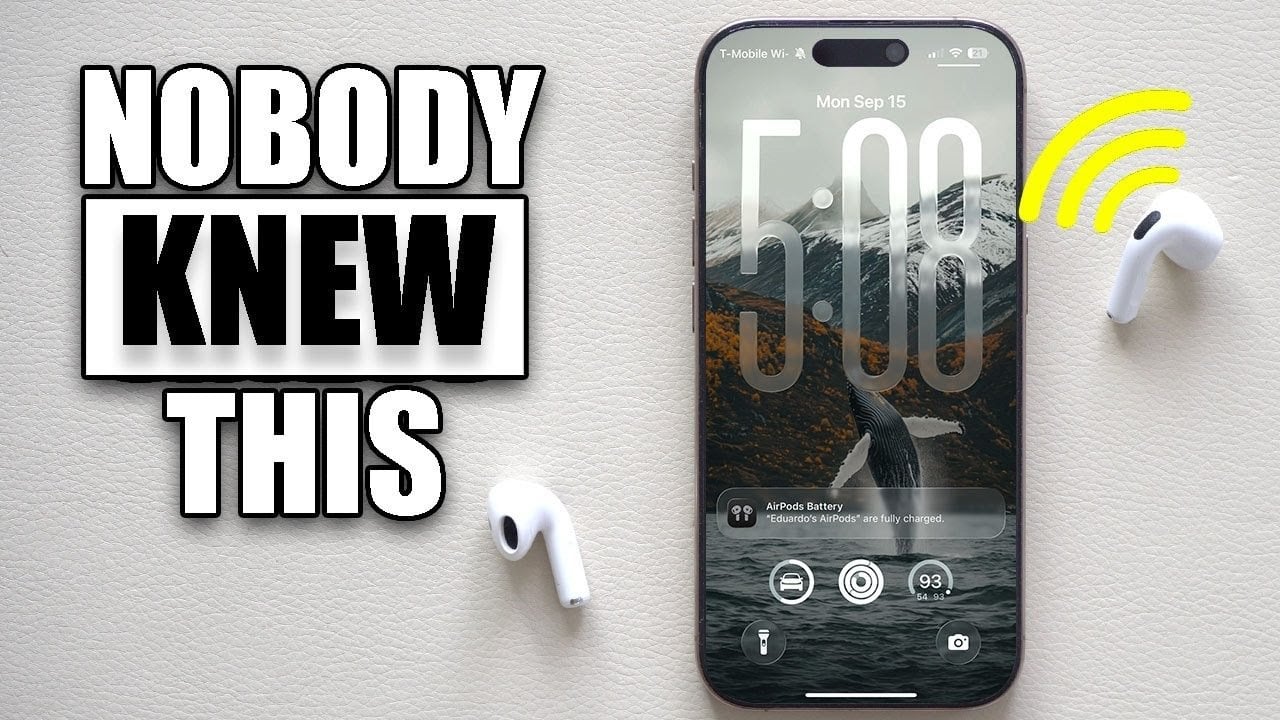
The release of iOS 26 settings introduces a wealth of innovative features and hidden options, designed to elevate your iPhone experience to new heights. Did you know that over 70% of users don’t take advantage of the full range of settings available in their devices? This surprising statistic highlights a golden opportunity for you to enhance your iPhone functionality, promote efficiency, and tailor the interface to your personal style. Whether you’re looking to optimize battery life or customize your lock screen, diving into these iOS 26 settings can significantly change how you interact with your device.
Unleash the Power of iOS 26 Settings
With iOS 26, there are numerous customization options waiting to be explored. For instance, the enhanced screenshot features allow for better management and utility, making your workflow more seamless. One of the standout settings is the ability to disable CarPlay screenshots. This feature helps you keep your photo library clean by preventing unnecessary duplicates, especially when using navigation apps. Additionally, iOS 26 now supports HDR screenshot format, allowing you to capture images with improved detail and vividness. By learning to utilize these features, you can streamline your tasks and focus on what truly matters.
Personalization through Customization
Another exciting aspect of iOS 26 is the extensive options for keyboard and lock screen customization. You can enable haptic feedback for keys, improving typing accuracy and providing a more satisfying experience. Also, features like character preview and lock screen adjustments allow you to tailor your device’s aesthetics and functionality. Want a dynamic look? Spatial wallpapers with 3D effects give depth to your lock screen, while a blur wallpaper can declutter your always-on display. These personal touches transform your device into a unique expression of your personality.
Finances Made Easy: Revamped Apple Wallet
Managing finances has never been simpler thanks to the upgrades in the Apple Wallet with iOS 26 settings. The ability to consolidate both physical and virtual cards within the app streamlines payments, making everything easily accessible. Moreover, transaction categorization provides valuable insights into your spending habits. By managing your virtual Apple Pay details directly within the app, online transactions become more straightforward. These enhancements position Apple Wallet as a powerful tool in your financial toolkit.
Enhanced Driving Experience with CarPlay Automation
Driving can be safer and more convenient with the new iOS 26 CarPlay features. Automation shortcuts can pause media playback automatically when connecting to CarPlay, allowing you to keep your focus on the road. Additionally, repetitive tasks such as launching navigation or adjusting settings can be automated, leading to a smoother driving experience. These iOS 26 settings ensure that your time on the road is as efficient as possible, enhancing both safety and convenience.
Smarter Calls and Connectivity
iOS 26 is also equipped with intelligent tools to optimize your call management. With advanced spam filtering, unknown callers can be screened without disrupting your day. The hold assist feature notifies users when a call on hold resumes, ensuring you never miss an important conversation. These capabilities allow for uninterrupted connectivity, letting you focus on what’s important while significantly reducing distractions.
Accessibility and Browsing Improvements
The latest updates to Safari provide thoughtful enhancements to accessibility and browsing experience. You can revert to the classic navigation bar layout, which many users find more comfortable. Reduced transparency effects help create a cleaner interface, making navigation straightforward for all users. With these modifications, browsing the web on your device becomes a hassle-free and enjoyable experience.
Another intriguing addition in iOS 26 relates to AirPods programming. With new functionalities, you can now program the AirPods stems to control your camera, enabling hands-free photography. This is particularly beneficial for those spontaneous moments when you want to capture memories without fiddling with your device.
Battery management has also seen significant upgrades in iOS 26. The adaptive power mode optimizes battery usage during high-drain periods, prolonging your device’s runtime. You can also gain detailed insights into app-specific battery consumption, helping identify which apps are power-hungry. Equipped with this information, you can take steps to enhance the longevity of your device throughout the day.
Finally, iOS 26 incorporates practical features such as lens cleaning alerts that notify you when dirt or smudges are detected on your camera lens. This ensures your photography remains high-quality, even under less-than-ideal conditions. By leveraging these small but impactful settings, your iPhone experience can become truly extraordinary.
Exploring the full potential of iOS 26 settings is crucial to making your device a tailored tool for your needs. These updates—from enhanced screenshot management and lock screen customization to nuanced battery optimization and CarPlay automation—create a user-friendly and intuitive device experience. For a deeper dive into other hidden settings, check out this comprehensive guide and discover how these features can transform your device.
To deepen this topic, check our detailed analyses on Gadgets & Devices section