Many of us have experienced the overwhelming feeling after returning from a vacation, with thousands of photos stored on our devices, eager to capture every moment. However, as our photo libraries grow, so do the costs associated with photo storage solutions. If you’ve ever used Google Photos, you might remember the days of free unlimited storage, which ended in 2021. Now, each new upload counts against your limited free space, forcing many to consider subscriptions for additional storage space. Instead of continuing down this pricey route, exploring photo storage solutions that eliminate the need for monthly fees can provide a significantly better alternative.
This article will highlight effective methods for managing your photos without relying on cloud services, allowing you to keep your memories safe while saving money. Here’s what you need to know about managing your photos more efficiently.
Understanding the Cost of Cloud Storage Services
While cloud storage services like Google One or iCloud are convenient, they come with ongoing monthly fees. Over time, these costs can accumulate, resulting in expensive long-term commitments. Let’s look at the economics:
- For example, a $10 monthly fee totals $120 per year.
- Over ten years, this amounts to $1,200, not including the potential for price increases or additional storage needs.
Instead, many users are seeking one-time purchases as their main photo storage solutions. This not only saves money but also avoids the worry of a company altering its terms or shutting down, which poses risks for your beloved memories.
What Are the Benefits of Using External Hard Drives?
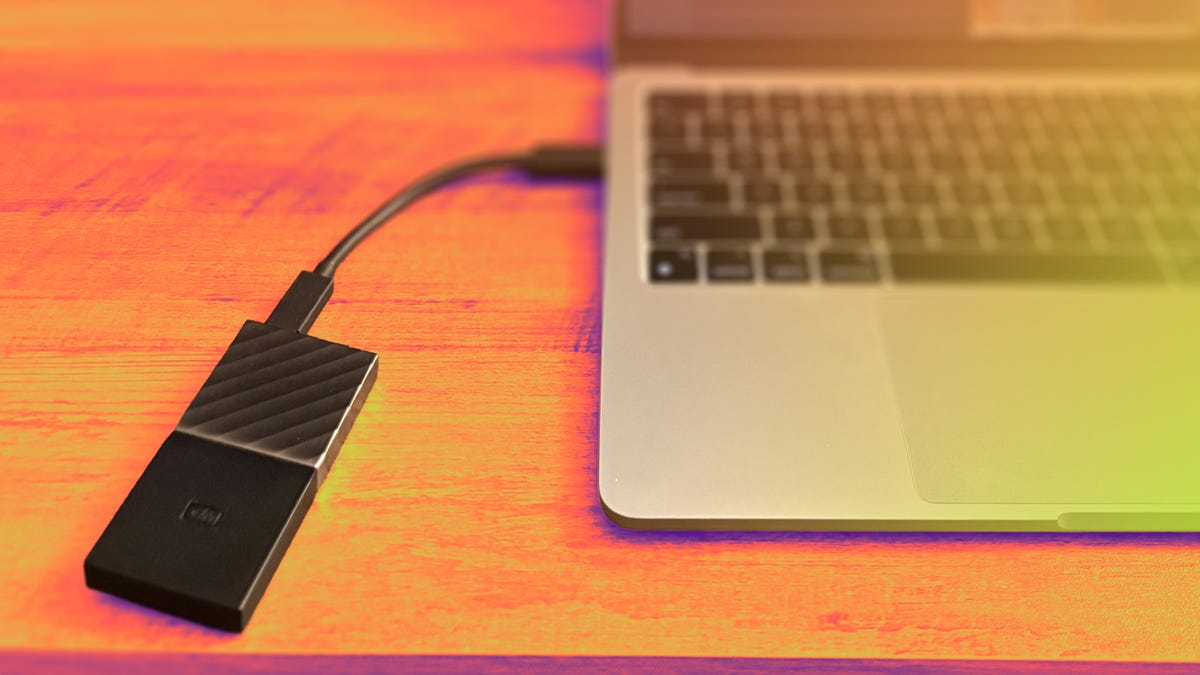
Opting for an external hard drive is an effective way to manage photos. Here are some key benefits:
- Affordability: A 1TB external solid-state drive (SSD) can typically be found for under $100.
- Ownership: Your data is stored on a physical device that you own, reducing the risks associated with relying on cloud services.
- Cross-Device Compatibility: External drives can be utilized across multiple devices, ensuring you have access to all your memories regardless of the device used.
Moreover, using an external drive allows you to keep using it long after you upgrade to a new phone. Be it an SSD or an HDD, these drives are designed to last several years, making them a sound long-term investment.
A Simple Process for Backing Up Your Photos
Backing up your photos doesn’t have to be a daunting task. Here’s a streamlined process that many users find effective:
- Connect your phone to your laptop and use the Photos app to copy photos—this can automatically include uploading new files.
- Once the transfer is complete, connect your external drive and drag the files onto it for storage.
- Sort your files into folders by date or event to keep everything organized.
- Consider making a backup of this backup on a separate external drive for redundancy.
This organized approach not only simplifies your file management but also gives you peace of mind knowing your cherished memories are securely backed up.
Reducing Clutter and Becoming More Intentional
Another advantage of managing your photos outside the cloud is that it fosters intentionality in your photography. By not feeling pressured to capture every moment, you can focus more on the experiences instead. Curate your collection, keeping just the most meaningful images. This way, you will be better able to reflect on events through your favorites rather than a bloated library of duplicates or less impactful images.
Depending on your preferences, consider holding onto essentials like screenshots or significant events, while letting go of the rest. This will not only reduce clutter but will also help you to maintain a collection that is truly significant.
Long-Term View: A Reliable Photo Management Strategy
Ultimately, embracing external hard drives as your photo storage solutions can lead to a wiser, more economical strategy for managing your digital memories. You can avoid those pesky ongoing subscription fees while maintaining full control over your files. With the reliability of physical storage, you won’t have to worry about the whims of cloud services and potential access issues.
In conclusion, it is clear that shifting your focus to physical storage will not only save you money but also secure your memories under your control. For more insights into tech solutions that safeguard both your finances and your data, check out related strategies.
To deepen this topic, check our detailed analyses on Tech Tips & Tricks section