
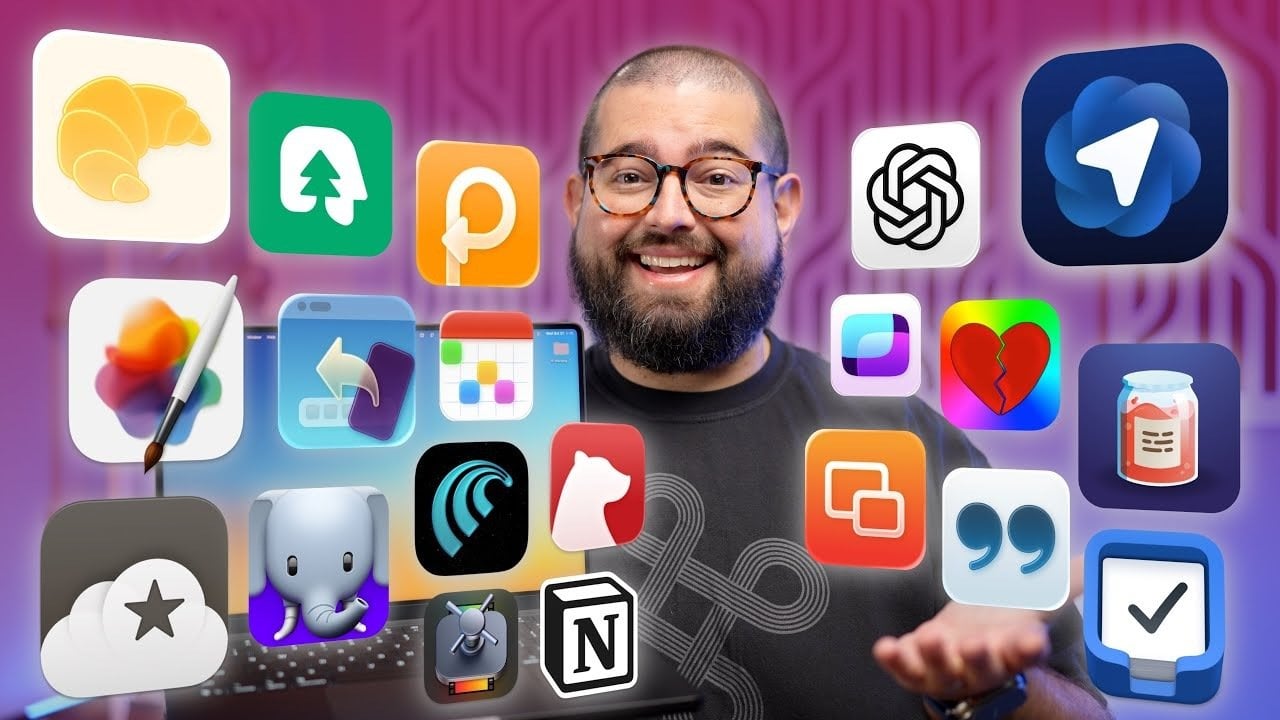
Maximizing productivity on a Mac hinges on having the right tools at your disposal. In today’s fast-paced work environment, the significance of Mac productivity apps cannot be overstated. Whether you’re a content creator, a professional managing complex projects, or simply someone looking to streamline daily tasks, these applications can transform your workflow. Surprisingly, studies show that using the right productivity tools can boost work efficiency by over 30%. With the right Mac productivity apps, you can work smarter, save time, and focus on what matters most.
Essential Mac Productivity Apps for Content Creators
For content creators, having tools that enhance creativity and streamline tasks is vital. Here are some top-notch applications to consider:
- CleanShot X: A versatile screen recording tool offering advanced features like customizable recording options and high-quality visuals, perfect for tutorials or presentations.
- Final Cut Pro: A professional-grade video editor with robust tools for precise editing, color grading, and seamless exporting, essential for high-quality content creation.
- Pixelmator Pro: Ideal for editing images, this powerful graphic design tool is great for creating thumbnails and enhancing visuals.
By integrating tools like Gling, which automates video editing by removing silences and errors, you can significantly reduce the time you spend on manual edits. These tools, tailored for Mac productivity apps, ensure that your creative process remains efficient and enjoyable.
Streamlining Audio Recording and Processing
High-quality audio is essential for any professional content. Utilizing reliable tools can make all the difference:
- Audio Hijack: A robust solution for recording audio from any source, equipped with equalization and live-streaming options, ensuring crystal clear sound.
- iZotope: Offers innovative post-production tools, perfect for noise reduction and sound editing, helping you achieve a polished final product.
Investing time in top-notch Mac productivity apps for audio can dramatically enhance your project’s quality, ensuring your audience hears every word clearly.
Efficient Transcription and Note-Taking Tools
Staying organized is crucial for productivity. Transcription and note-taking applications foster efficiency:
- Willow Mac: Converts audio to text with high accuracy, streamlining the process of creating subtitles or drafting content from recordings.
- Bear: A sleek, Markdown-based note-taking app that syncs across devices, providing an effortless way to organize thoughts and ideas.
Using these Mac productivity apps allows you to focus on creativity while ensuring your ideas are documented and easily accessible.
Integrated Task and Workflow Management
Managing tasks effectively can greatly enhance your productivity. Consider these applications:
- Things: A clean and intuitive task management app that helps you track and prioritize your to-do lists efficiently.
- Notion: A versatile platform designed for collaborative projects, adaptable to various workflows and project types.
Using tools like Hazel, which automates repetitive tasks like file organization, can further streamline your processes and save time during your daily routines with these essential Mac productivity apps.
Optimizing Social Media and Web Browsing
In today’s digital landscape, effective online management is crucial. Here are some apps to consider:
- Croissant: Simplifies social media posting across multiple platforms, allowing you to schedule and manage content easily.
- Magic Lasso: A Safari extension that enhances your browsing experience by blocking unwanted ads and content, improving page load speeds.
By using Mac productivity apps tailored for social media management, you can optimize your online presence while maintaining your focus.
Productivity Enhancement Tools
Specialized tools that enhance your focus and streamline repetitive tasks are invaluable:
- Paste: A powerful clipboard manager that allows you to store and sync text, links, and images across devices.
- TextExpander: Automates repetitive text input, allowing you to draft templates quickly and efficiently.
These Mac productivity apps are designed to help you stay organized and focused during your work sessions.
To deepen this topic, check our detailed analyses on Gadgets & Devices section
For more insights into enhancing your workflow with Mac productivity apps, explore our additional guides:



