Did you know that you can unlock a powerful feature on your iPhone that makes traveling abroad a breeze? Imagine hopping from one country to another, surrounded by unfamiliar languages and signs. Instead of fumbling with language barriers, you can use your device’s advanced capabilities to make sense of it all. The iPhone camera translator is a hidden gem that lets you translate text on the fly, turning your iPhone’s camera into a handy translation tool. In this article, we will explore the benefits and functions of this innovative feature, making your next international trip smoother and more enjoyable.
Discover the Hidden Power of the iPhone Camera Translator
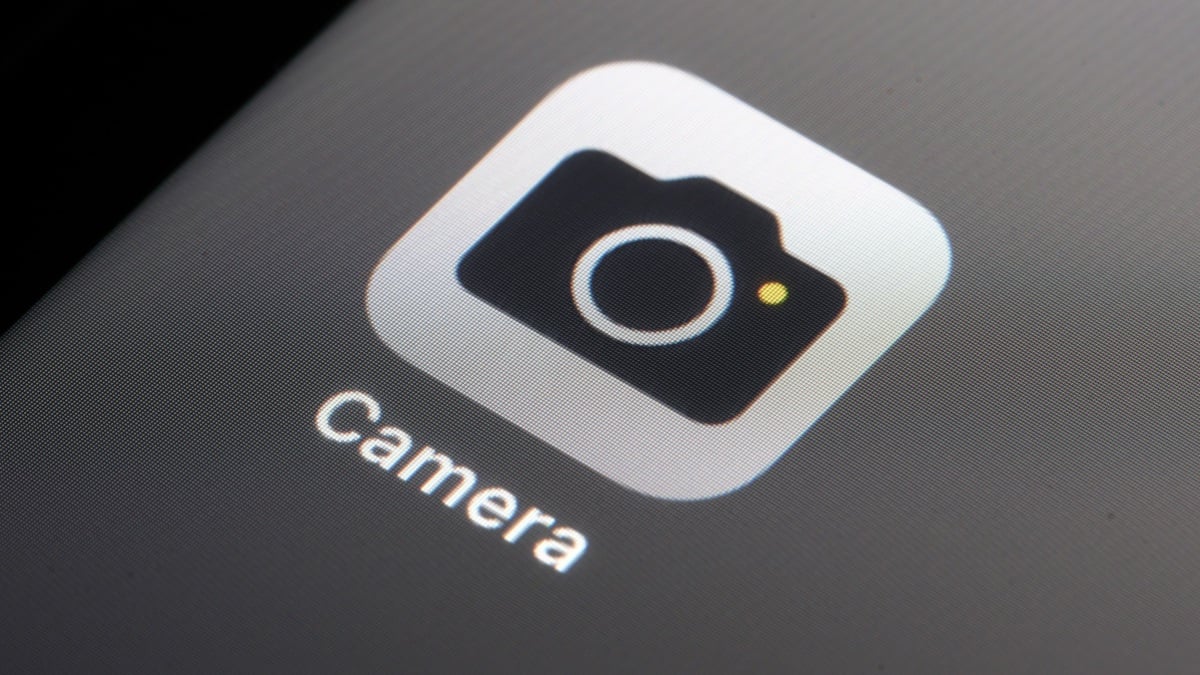
When you’re in a foreign country, deciphering menus, signs, and other printed materials can be daunting. Thankfully, the iPhone camera translator allows you to quickly and accurately convert text from images into your target language. Rather than relying on separate translation apps like Google Translate or Microsoft Translator, your iPhone’s camera can perform this task with remarkable ease. All you need to do is open your Camera app, frame the text you wish to translate, and let your device do the rest.
A yellow frame will appear around the text, indicating that your iPhone has detected it. After a moment, tap the new button that pops up, and then select the “Translate” option that appears on your screen. Within seconds, the text will be translated into the language your iPhone is set to use. It’s fast, efficient, and an essential tool for anyone traveling abroad.
Maximize Your Translation Experience with Live Text
The iPhone camera translator feature is part of the broader Live Text functionality available in iOS, which uses optical character recognition (OCR) technology. This means you can not only translate text but also copy, paste, and share it seamlessly. If you come across an intriguing label or a complex phrase, simply tap to bring up a mini translation window, where you can copy the text, have it read aloud, or save it for later use.
Live Text encompasses several supported languages, ensuring you can navigate across most major regions confidently. The list includes:
- Arabic
- Spanish (Spain)
- French
- German
- Italian
- Japanese
- And many more!
For the iPhone camera translator to function properly, confirm that “Show Detected Text” is enabled in your camera settings. Navigate to Settings > Camera to check this option, ensuring you’ve set your device up for effortless translations.
Explore Additional Translation Features on Your iPhone
Although the iPhone camera translator is an excellent option, it’s not the only one available. Inside your iPhone, there’s also a dedicated Translate app that offers a camera function and more extensive translation capabilities. With the recent updates in iOS 26, Live Translate has been introduced, which allows real-time translation during conversations—ideal for making connections when language barriers exist.
This feature not only applies to text messages but can even work during FaceTime calls and phone conversations. If you own a compatible pair of AirPods, you can hear translated conversations directly through your devices while your conversation partner sees the translation on your iPhone’s display. It’s a game-changing way to interact with others in real-time.
Using Your iPhone for Translation and More
The iPhone camera translator and other built-in translation features make your smartphone an invaluable tool for learning and navigating different languages. By harnessing these technologies, you can fully immerse yourself in new cultures without feeling overwhelmed by communication barriers.
As you prepare for your next trip, be sure to explore all the tools your iPhone offers. You might find that you’re equipped with much more than you previously realized. Whether you’re translating menus, enjoying conversations, or simply wandering through new cities, these features will enhance your experience.
Final Thoughts
Incorporating the iPhone camera translator into your travel toolkit potentially transforms how you interact with foreign languages. No longer confined to traditional translation apps, your iPhone camera now empowers you to communicate better and enjoy your adventures to the fullest. Don’t forget to check the Host of guides on maximizing your iPhone capabilities for even greater efficiency, similar to strategies discussed in our analysis of iPhone camera comparisons and tips found in unlocking your device’s potential.
To deepen this topic, check our detailed analyses on Tech Tips & Tricks section