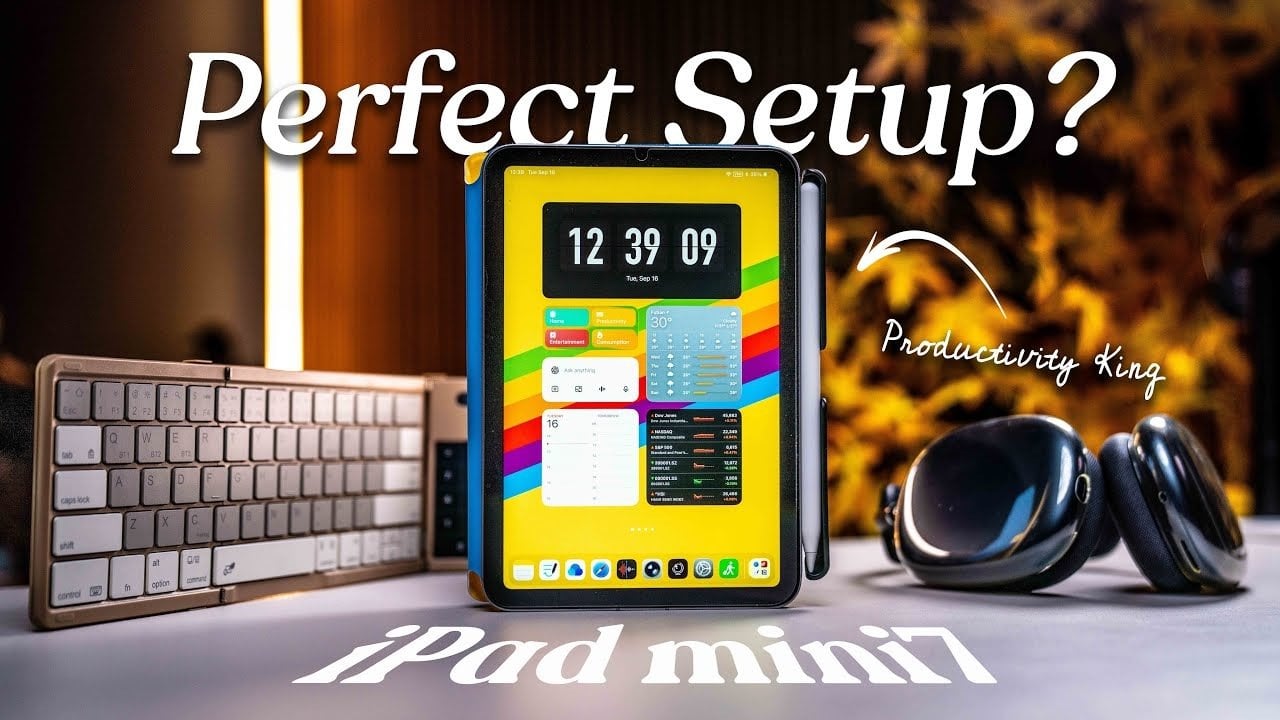
Did you know that the compact **iPad Mini** can significantly transform your workflow? The evolution of the iPad Mini productivity features offers a world of potential for professionals and creatives alike. Its sleek design and powerful capabilities make it more than just a compact tablet; it’s an essential tool for enhancing productivity, especially for those who need mobility without sacrificing efficiency. By optimizing its features, integrating necessary accessories, and adopting strategic approaches, you can master your tasks like never before. Join us as we explore how to unlock the full potential of your iPad Mini for ultimate productivity.
Boosting Your iPad Mini Productivity through Effective Customization
The iPad Mini productivity experience relies heavily on how well you can customize its operating system. iPadOS is designed to support a variety of productivity-enhancing features tailored to your specific needs. Here are some effective steps to optimize your iPad Mini:
- Organize Your Home Screen: Utilize the app library to categorize apps effectively—keeping your home screen clean can minimize distractions and make essential tools accessible.
- Set Up Focus Modes: Create tailored modes like “Work,” “Study,” or “Relaxation” to help you prioritize tasks and silence unnecessary notifications.
Integrating widgets for key apps allows you to keep crucial information readily available, while mastering multitasking features lets you work on multiple tasks seamlessly. For instance, you can take notes during a Zoom call while referencing important documents.
Utilizing Focus Modes and Shortcuts for Enhanced iPad Mini Productivity
The power of focus modes, combined with smart shortcuts, can greatly elevate your efficiency. Here’s how to leverage these features effectively:
- Create Task-Specific Modes: Each mode can offer a customized layout and unique notification settings to cater to varied scenarios.
- Automate Repetitive Tasks: Implement shortcuts to streamline your workflow, such as morning routines that open multiple essential apps at once.
These custom settings don’t just help in staying organized but also enhance your ability to focus throughout your busy day.
Essential Accessories to Elevate Your Productivity
Maximizing the capabilities of your iPad Mini often requires the right accessories that boost functionality. Here are some top recommendations:
- Bluetooth Keyboard with Trackpad: Simplifies typing and navigation, while gestures make multitasking more intuitive.
- Apple Pencil: A must-have for note-taking, sketching, and annotating—with revolutionary features like Scribble for handwriting conversion.
- Folio Case with Stand: Provides adjustable viewing angles, enhancing comfort during work sessions.
These accessories can drastically improve how you interact with your device, making it an even more powerful tool for productivity.
Maximizing Efficiency with Apps and Features
Choosing the right applications is critical to unlocking iPad Mini productivity. Here are standout apps to consider:
- AI-Powered Tools: Like ChatGPT, they help with brainstorming and drafting.
- Note-Taking & Organization: Apps like Notion help manage projects efficiently.
- File Management: Dropbox ensures you have access to resources across all devices.
- Communication Platforms: Apps like Zoom and Slack keep you connected.
- Task Management: Utilize Todoist or Things for tracking deadlines.
By integrating these apps into your daily routine, efficiency skyrockets, and task management becomes effortless.
Expanding Functionality with Secondary Monitor Features
One of the exciting capabilities of the iPad Mini is its ability to serve as a secondary monitor. This feature can greatly benefit professionals who multitask:
- Extend Your Workspace: Use your iPad Mini as an additional screen for your Mac, enhancing reference convenience and task management.
- Seamless Device Control: Operate both your iPad Mini and Mac with a single keyboard and mouse, improving workflow fluidity.
This functionality is invaluable for those involved in collaborative projects or complex workflows requiring rapid switching between tasks.
Understanding the Limitations for Realistic Productivity
As versatile as the iPad Mini is, being aware of its limitations is essential for managing expectations:
- Battery Life: Intensive activities may drain the battery quickly.
- Processing Power: Suitable for everyday tasks, but might struggle with resource-demanding applications.
- Cost Considerations: The overall investment in the device and accessories can add up, warranting a careful evaluation of personal needs.
Despite these limitations, the iPad Mini remains a powerful and portable productivity solution—ideal for those seeking a lightweight alternative to traditional laptops.
For further insights and strategies on enhancing your iPad Mini productivity, explore similar topics at how Instagram Reels optimize user experience, take a look at our examination of AI tools in software development, immerse yourself in conversations surrounding AI accountability, or consider how ChatGPT prompts can empower leadership. Plus, don’t miss our insights into career growth strategies!
To deepen this topic, check our detailed analyses on Gadgets & Devices section