Have you ever felt constrained by your current coding tools, even if they seem familiar and streamlined? Transitioning to a new platform can be intimidating, particularly when it requires leaving the comfort of a user-friendly interface for a more robust and flexible solution. For developers deliberating the move from Claude Code to OpenAI Codex, this transition signifies more than just a change in tools—it means reevaluating your approach to workflows, task management, and problem-solving.
With its impressive 272K token context window and open-source adaptability, OpenAI Codex offers an enticing glimpse into the future of software development. However, before making the switch, it’s crucial to grasp the trade-offs and challenges that accompany this upgrade. Join us as we explore three essential factors to consider before diving into Codex CLI, from strategies for effective context engineering to navigating a steeper learning curve.
By mastering tools like Codex Sub Agents MCP and IDE extensions, you can bridge feature gaps and optimize your workflows for maximum efficiency. Whether you’re captivated by the scalability of OpenAI Codex or hesitant about its manual configuration demands, this guide equips you with the insights needed to make an informed decision. After all, switching isn’t just about adopting new tools; it’s about transforming the way you code.
Key Benefits of Transitioning to OpenAI Codex
The transition from Claude Code to OpenAI Codex entails several substantial benefits. One of the most prominent advantages is the robust 272K token context window that enhances multi-layered code generation and debugging. This feature allows developers to tackle larger and more complex tasks effectively.
- Advanced Contextual Understanding: The extensive context window allows for deep contextual comprehension, crucial for intricate coding projects that require a nuanced understanding of relationships within the code.
- Increased Flexibility: Unlike its predecessors, Codex CLI enables a high degree of customization, allowing for tailored solutions to suit various development requirements.
Despite these benefits, it is vital to note that OpenAI Codex demands effective context engineering for optimal performance, especially when handling high-level tasks like building a Phaser 3 game. Developers transitioning to Codex CLI may find that adapting their traditional workflows to accommodate this new tool is both a challenge and an opportunity.
Understanding User Interfaces and Tool Integration
One notable shift when moving to OpenAI Codex is the change in user interface. Compared to Claude Code, the Codex CLI may initially feel less intuitive. However, a variety of tools and extensions are available to bolster its usability:
- IDE Extensions: Implement tools like Open Agents and Codeexia for improved task management, enhancing accessibility to OpenAI Codex.
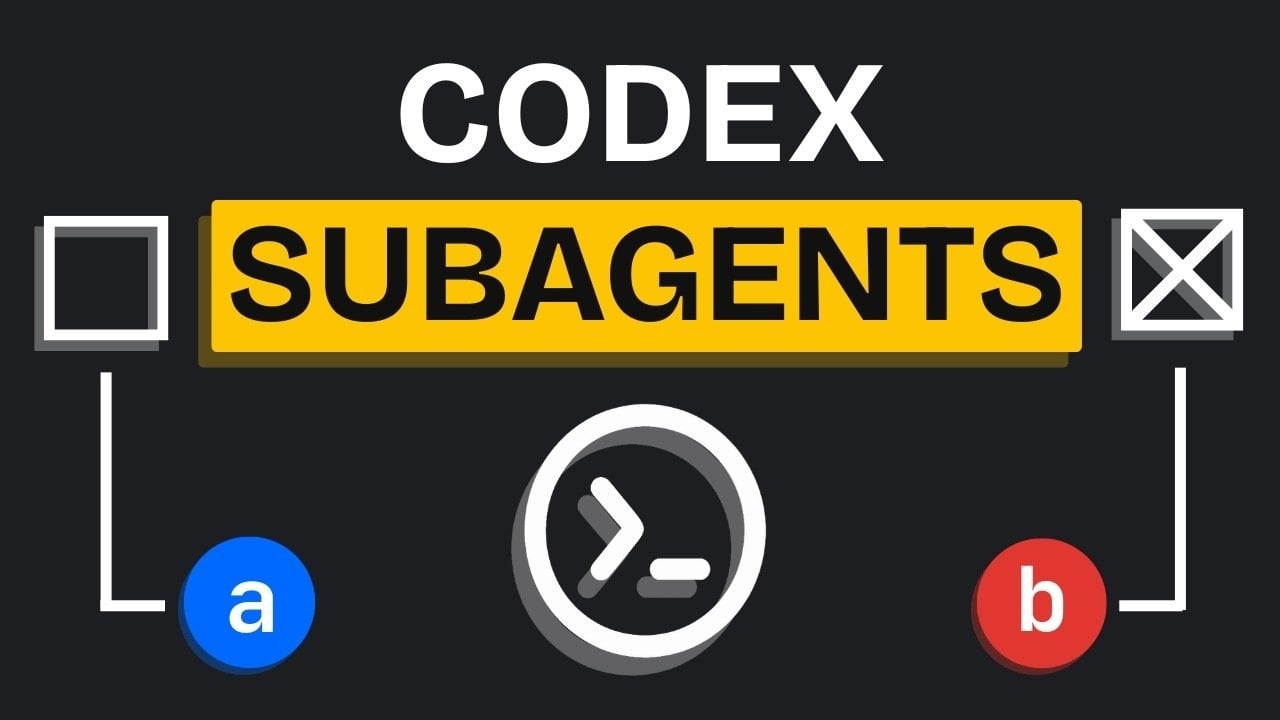
- Open Source Tools: Explore solutions like Codex Sub Agents MCP to add functionalities that are absent by default, although setup may require additional time.
While transitioning, developers may encounter challenges related to compatibility and setup. Those familiar with Claude Code’s guided features will need to invest time in understanding and implementing these integrations effectively to unlock the true potential of Codex CLI.
Optimizing Workflows with OpenAI Codex
To harness the full power of OpenAI Codex, proper workflow optimization is essential. One effective method recommended is the BMAD (Breakdown, Map, Assign, Deliver) approach:
- Breakdown: Divide tasks into smaller, manageable components to ease execution.
- Map: Clearly identify task dependencies to streamline processes.
- Assign: Allocate responsibilities judiciously to enhance accountability.
- Deliver: Execute tasks incrementally, ensuring accuracy and efficiency at every stage.
This structure aligns with agile development practices, allowing teams to adapt dynamically to evolving project requirements. Unlike Claude Code, which guides users through processes, OpenAI Codex requires a methodical approach to manage complex projects effectively.
Confronting Challenges in the Transition
However, transitioning to OpenAI Codex is not without its challenges:
- Lack of Built-In Features: The absence of native features like sub-agents or slash commands may lead to reliance on third-party tools, which necessitate manual configuration.
- Manual Setup: Implementing many features involves time-consuming setup processes that can be frustrating if not managed effectively.
- Workflow Adjustments: Even seasoned developers must rethink their strategies to make the most out of Codex CLI’s capabilities.
Despite these hurdles, OpenAI Codex remains a compelling choice for developers willing to invest effort into overcoming these challenges and maximizing productivity.
Recommendations for a Seamless Transition
To ensure a successful transition to OpenAI Codex, consider these strategies:
- Utilize IDE Extensions: Incorporate tools like Open Agents and Codeexia to enhance usability.
- Implement the BMAD Method: Use structured workflows for efficient task management.
- Explore Open Source Resources: Extend Codex CLI’s features while addressing setup challenges.
- Conduct Thorough Planning: Advance planning minimizes errors, especially when managing intricate tasks.
- Invest Time in Learning: Acquaint yourself with Codex CLI’s features to overcome its learning curve.
By implementing these recommendations, you can navigate the transition with greater ease, enhancing your productivity and unlocking the advanced capabilities of OpenAI Codex.
To deepen this topic, check our detailed analyses on Gadgets & Devices section