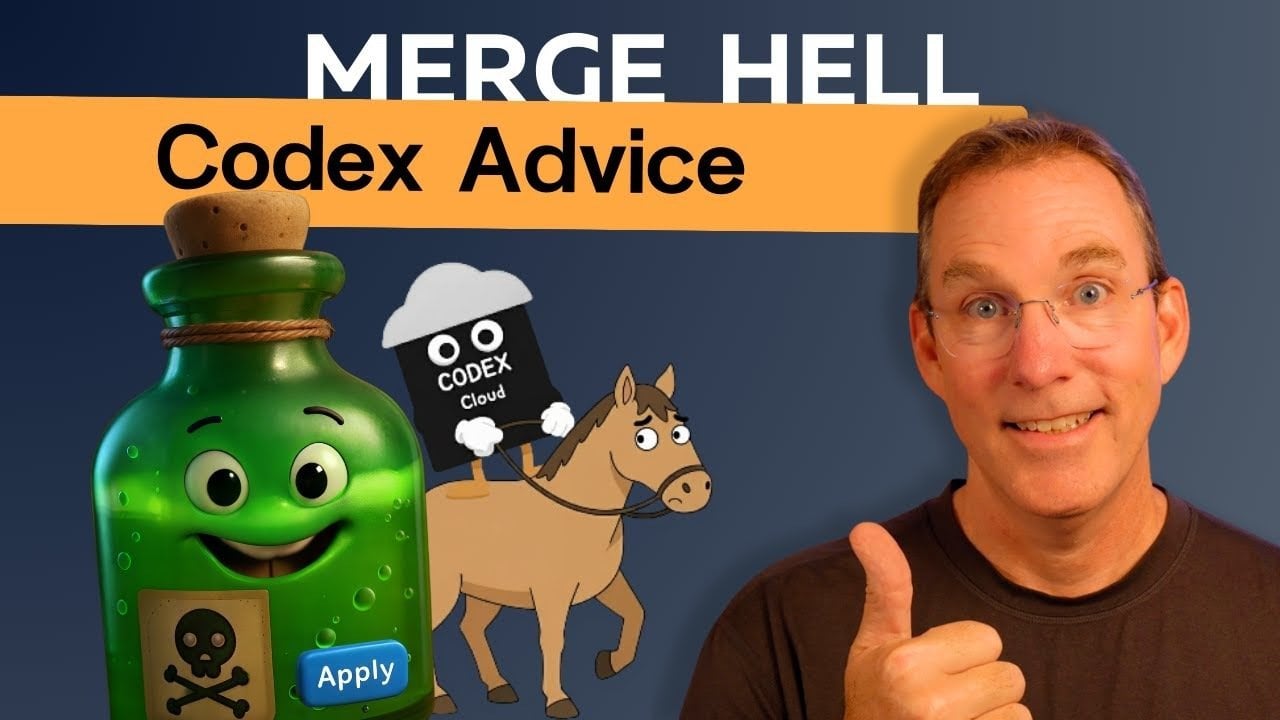
What happens when the tools designed to simplify collaboration become the source of chaos? In the fast-paced world of software development, developers frequently encounter the term merge conflicts, which can feel like a dreaded plague. Imagine sprinting to meet a looming deadline, only to be confronted with a tangled mess of code thanks to conflicting changes made by teammates—sometimes even by AI tools like Codex. The frustration is palpable, as countless hours slip away while developers struggle to untangle a jumbled web of edits instead of building the next big feature. While platforms like GitHub aim to streamline workflows, the integration of AI across coding environments introduces new complexities, making merge conflicts a prevalent and infuriating challenge.
In this article, we’ll delve into the heart of collaborative coding’s persistent pain point: the notorious merge conflict. We’ll identify the root causes behind these disruptions, such as overlapping edits and unstructured workflows, while also exploring how advanced tools like Codex both enhance and complicate the coding process. However, it’s not all doom and gloom; effective strategies exist to minimize these headaches and leverage AI tools without derailing your team’s momentum. By the end of this guide, you’ll gain actionable insights to navigate the chaos of collaborative coding and glimpse the future of AI-driven conflict resolution.
Managing Merge Conflicts
**Key Takeaways:**
Merge conflicts typically arise when version control systems like Git fail to automatically reconcile changes, often due to simultaneous edits, poor coordination, or parallel feature development. Best practices to minimize conflicts include creating dedicated branches, utilizing pull requests for systematic reviews, and defining clear responsibilities among team members. While AI tools such as Codex can enhance coding efficiency, they may also introduce unique challenges. Effective conflict resolution involves breaking code into modular files, maintaining updated branches, and promoting clear team communication.
What Causes Merge Conflicts?
Understanding the causes behind merge conflicts is crucial for preventing future occurrences. These conflicts emerge when multiple contributors edit the same file or code segment within a version control system like Git. Collaborative environments where multiple developers work on overlapping areas are particularly susceptible to these issues. Despite GitHub’s robust branching and pull request (PR) systems, conflicts can arise from:
- Simultaneous edits: When several contributors modify the same file or function concurrently.
- Lack of coordination: Unstructured workflows or inadequate communication can lead to overlapping changes.
- Parallel feature development: Working on separate features without considering possible interactions within the codebase.
Even when branches are intended to isolate changes and reduce conflicts, they can still be vulnerable. For example, suppose two developers work on distinct features but unknowingly alter the same function. In that case, they may encounter significant merge conflicts during the integration phase.
Best Practices for Collaborative Workflows
To foster a smoother development process and minimize merge conflicts, adopting structured workflows is paramount. Here are key best practices to consider:
- Create dedicated branches: Assign separate branches for each feature or bug fix to isolate changes, thereby lowering the risk of conflicts.
- Use pull requests: Implement PRs to systematically review and merge changes, ensuring code quality and compatibility with the main branch.
- Define clear responsibilities: Assign specific sections of the codebase to individual contributors to eliminate overlapping changes.
Utilizing pull requests is especially effective as it allows teams to review changes prior to merging them into the main branch. This process not only helps identify potential conflicts early but also guarantees that all additions align with project goals and coding standards.
Codex and AI-Assisted Coding
AI tools, like Codex, are revolutionizing software development by automating repetitive tasks, suggesting enhancements, and generating code snippets. However, this integration into collaborative workflows does present unique challenges. For instance, Codex’s “apply” feature permits users to implement changes directly, which can lead to unwarranted conflicts if several contributors share the same branch. To leverage Codex effectively in a collaborative setting, consider these guidelines:
- Work on clean branches: Use dedicated branches to separate AI-generated modifications from ongoing work.
- Avoid direct edits: Refrain from making direct changes in shared environments without thorough review to mitigate unintended conflicts.
- Incorporate review processes: Rigorously evaluate AI-generated code before merging it to ensure quality and alignment with existing work.
By adhering to these practices, teams can harness the benefits of AI tools while mitigating the risks of collaborative coding environments.
Resolving Merge Conflicts
Even with best practices in place, merge conflicts can still arise, necessitating careful judgment to determine the changes to keep and those to discard. The following strategies can help simplify conflict resolution:
- Break down code: Structure code into smaller, modular files to lessen the likelihood of overlapping changes.
- Keep branches updated: Regularly synchronize changes from the main branch to ensure all branches remain current and in line with the latest updates.
- Communicate effectively: Collaborate with team members to comprehend the intent behind conflicting changes and aid informed decision-making.
One particularly effective method is the principle of separation of concerns. By segmenting code into smaller, autonomous modules, you limit the scope of changes, reducing the probability of conflicts. This modular approach not only simplifies conflict resolution but also enhances the overall maintainability of the codebase.
Practical Tips for Managing Changes
Maintaining an organized, conflict-free repository demands consistent effort and adherence to proven strategies. Here are several recommendations to help manage changes effectively:
- Avoid simultaneous changes: Prevent multiple contributors from altering the same file or feature through parallel pull requests.
- Centralize management: Use GitHub as the central hub for overseeing branches, pull requests, and merges to uphold a clear, organized workflow.
- Clean up old branches: Regularly remove outdated or unused branches to minimize clutter and maintain a manageable repository.
These practices not only help avert conflicts but also enhance the overall efficiency and organization of your development process.
The Future of AI in Collaborative Coding
As AI tools like Codex continue to evolve, they have made significant strides in automating coding tasks. However, they still confront challenges when resolving intricate merge conflicts. Presently, AI systems lack the contextual understanding necessary for nuanced decision-making regarding conflicting changes. Nonetheless, the future holds promise for advancements in AI and machine learning that could:
- Predict conflicts: Identify potential conflicts before they arise, allowing teams to tackle them proactively.
- Automate resolutions: Offer intelligent suggestions based on the context of the changes.
- Seamlessly integrate: Collaborate more effectively with version control systems like Git to streamline workflows.
Until these advancements become commonplace, human oversight remains crucial in managing conflicts and ensuring the quality of collaborative projects. By balancing the strengths of AI tools with human expertise, teams can successfully navigate the complexities of modern software development.
To deepen this topic, check our detailed analyses on Gadgets & Devices section