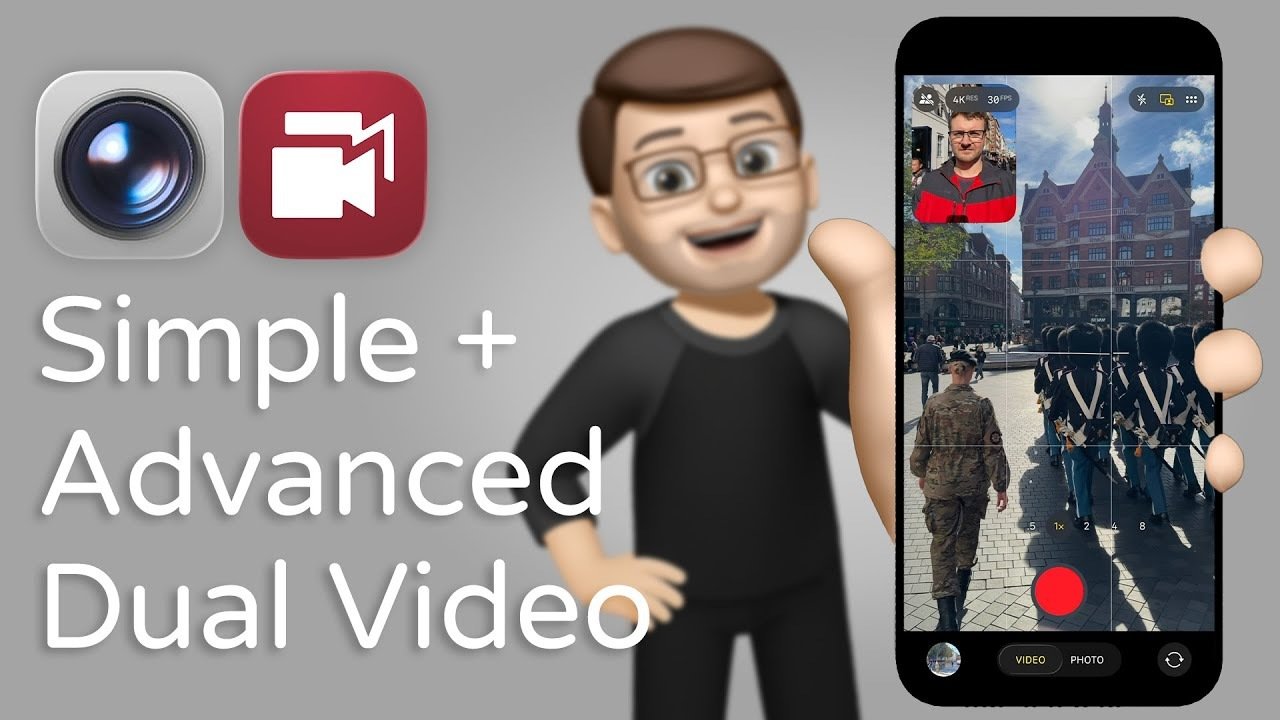
In the ever-evolving world of smartphone technology, the iPhone 17 Dual Capture feature stands out as a game-changer for content creators and casual users alike. With the ability to record video from two cameras simultaneously, this innovative functionality provides exciting new possibilities for capturing the perfect moment. Imagine documenting your outdoor adventures while also sharing your personal reactions—this feature opens doors to a creative realm that was previously limited. Research shows that video marketing can increase engagement by up to 50%, making the iPhone 17 Dual Capture an essential tool for those looking to enhance their online presence. In this article, we’ll explore the capabilities of this cutting-edge feature, compare it with alternatives, and determine which option may be best for you.
Unlocking Creativity with the iPhone 17 Dual Capture
The iPhone 17 Dual Capture sets a new standard in mobile video recording, allowing users to make dynamic content by capturing footage from both front and rear cameras at the same time. This is particularly beneficial for vloggers, educators, and anyone looking to engage their audience with a personal touch. By combining two perspectives in one recording, you can create a more lively and appealing visual narrative.
When leveraging the dual capture feature, users can position the reaction box—created by the front-facing camera—in any corner of the screen. This ensures that your expressions add to the storytelling without obscuring the main footage. However, it’s crucial to understand that the feature has its limitations; once recorded, editing the size or positioning of the reaction box is not possible. This emphasizes the need for careful planning before hitting the record button.
For those still on the fence about the iPhone 17 Dual Capture, similar to strategies discussed in our analysis of iPhone Action Button Tips for Pro-Level Usage, this feature is designed for simplified, intuitive use.
Exploring Double Take: An Alternative App
For users craving more control over their video projects, the Double Take app presents a robust alternative to the iPhone 17’s built-in dual capture feature. Unlike the iPhone’s native functionality, Double Take records separate video files from each camera, allowing creators to edit each piece independently. This means fine-tuning angles, positions, and timing can be done with ease during post-production.
The app accommodates various creative layouts, such as a picture-in-picture mode or a split-screen format, enabling users to display their reactions seamlessly alongside their primary footage. While this option may require more time and effort in post-production, it grants unparalleled flexibility for professional content creators who demand high-quality, tailored videos.
If you’re considering the Double Take app, you might find it fascinating that it integrates well with other advanced iPhone features. It’s akin to the deeper technical analysis on performance improvements discussed in our article on Apple’s M5 GPU Revolution.
Choosing Between Simplicity and Customization
When evaluating whether to use the iPhone 17 Dual Capture or the Double Take app, consider what matters most in your video creation process.
- iPhone 17 Dual Capture: Crafted for simplicity, this feature is ideal for users who want to create content swiftly and without extensive editing.
- Double Take App: Provides creative freedom by allowing independent edits to each camera file, making it suitable for users willing to invest time in post-production.
Both options hold unique advantages, catering to users with varying filming needs. The built-in dual capture prioritizes convenience and speed, while the Double Take app provides extensive customization for those who are more technically inclined.
Limitations of the Dual Capture Feature
It’s important to note that the iPhone 17 Dual Capture is exclusive to video mode, meaning users cannot utilize this functionality for still photography. While some may see this as a drawback, it underscores Apple’s commitment to refining this feature primarily for dynamic video creation. By focusing solely on video, the iPhone 17 Dual Capture enhances the user experience for anyone invested in producing engaging video content.
In light of these limitations, users looking for a broader range of creative options may consider additional tools, such as those outlined in our resource on Switching from iPhone to Android.
Conclusion: Finding Your Ideal Mixing Technique
The iPhone 17’s Dual Capture feature significantly enhances mobile video creation with its user-friendly interface. Despite its limitations on post-recording adjustments, it offers a handy solution for quick content creation. Meanwhile, the Double Take app serves as a compelling alternative for those who seek in-depth editing control and creative flexibility.
It’s essential to weigh the pros and cons of each option against your content creation objectives. Whether you value immediate output or extensive customization, both the iPhone 17 Dual Capture and the Double Take app present unique advantages tailored to your style. Discover more guides from our previous articles and related resources to elevate your video creation game.
To deepen this topic, check our detailed analyses on Gadgets & Devices section.
Feel free to explore these additional articles that further your understanding of dual-camera recording capabilities and advancements in technology: