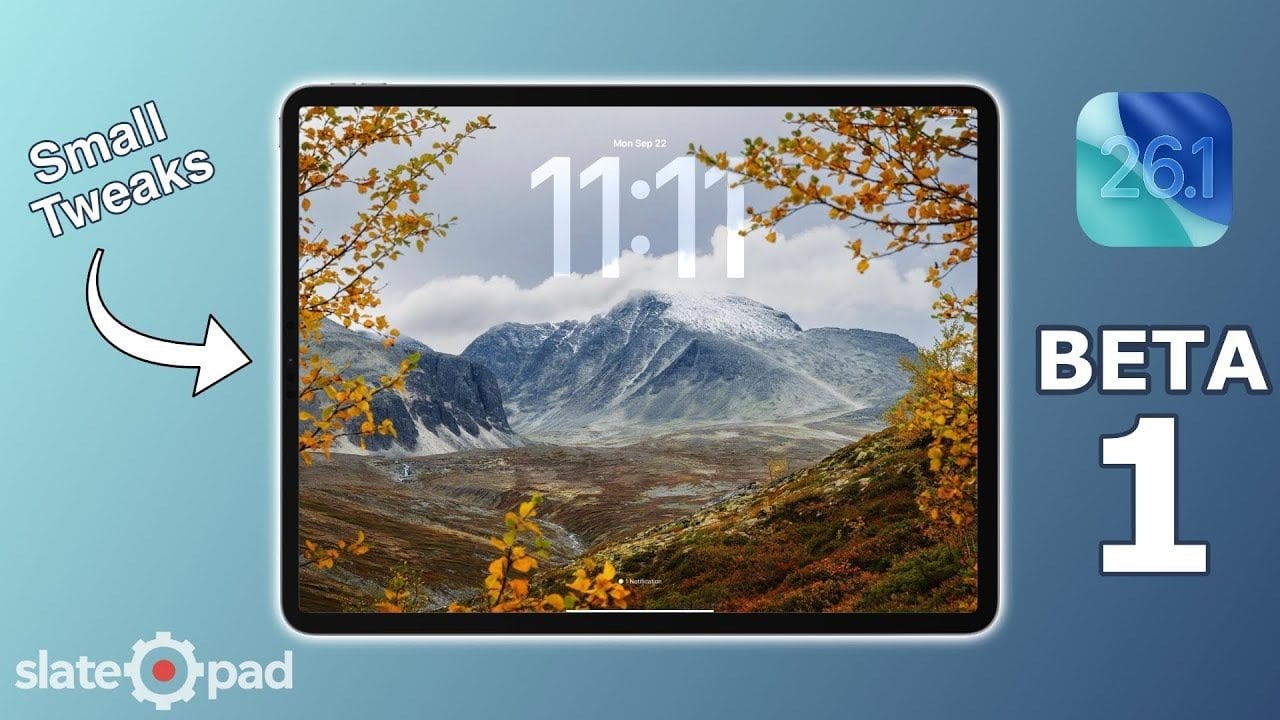
Are you ready for a transformative experience with your iPad? The latest update, iPadOS 26.1 Beta, is here, bringing a host of under-the-hood improvements and interface tweaks that elevate your daily interactions with the device. While this release may not announce groundbreaking new features, it focuses on refining the features you already love and enhancing the overall user experience. Prepare to discover how these subtle yet impactful changes promise to streamline your tasks and make navigating your iPad even smoother than before.
Streamlined Music Experience in iPadOS 26.1 Beta
The updated Music app in iPadOS 26.1 Beta delivers a game-changing feature—an intuitive shortcut to navigate songs effortlessly. By sliding along the “Now Playing” bar, users can now jump between tracks with a simple gesture. This eliminates cumbersome multiple taps, letting you immerse yourself in your playlists and albums without interruption. Imagine the efficiency gained when exploring different songs!
With this improvement, the Music app becomes not only more user-friendly but also responsive to your listening needs. Whether you’re a casual listener or a dedicated audiophile, this change significantly enhances your overall experience. Don’t miss our insights on hidden features you need to activate now to maximize your iPadOS experience.
Redesigned Phone App: A Fresh Look and Feel
Next, the Phone app has received a sleek makeover in the iPadOS 26.1 Beta. Gone is the dated gray background on dial pad buttons, replaced with a minimalist design that modernizes the interface. Coupled with a new bounce animation for button taps, interactions now feel more dynamic and engaging. Particularly in dark mode, these changes improve visibility and enhance usability, making it easier for you to make calls with flair.
The upgraded design prioritizes user interaction, ensuring a more polished experience. For a comprehensive guide on optimizing your device settings, don’t forget to visit our article about must-change settings for improved performance.
Enhanced Photos App for Better Media Management
If you love capturing memories, you will appreciate the refined Photos app in the iPadOS 26.1 Beta. With a liquid glass design for the scrubber control, navigating through your photos is not only easier but also visually stunning. The smoother animations, such as the time display over the progress bar, offer a more polished interaction, allowing you to interact with your media library precisely and effortlessly.
These upgrades enhance both functionality and aesthetics, making your photo revisiting and organizing experience significantly more enjoyable. The Photos app’s improvements are just a glimpse of what iPadOS 26.1 Beta has to offer.
Safari’s Download Manager: Centered for Convenience
One of the notable adjustments in the Safari browser is its new centered download manager. Replacing the previous popover design, this update improves accessibility and usability by prominently displaying download progress at the center of your screen. This adjustment allows users to manage files with greater ease and fewer distractions.
The centered layout makes it intuitive for users handling multiple files, helping to streamline your workflow. If managing downloads is a frequent task for you, this enhancement will markedly improve your browsing and downloading experience. Additionally, learn more about avoiding battery drain issues while using Safari by checking out our article on battery drain solutions.
Improved Dark Mode: Comfort Meets Clarity
Dark mode sees enhancements across the board, with a focus on improving contrast and readability in iPadOS 26.1 Beta. These subtle adjustments help reduce eye strain in low-light environments, making it easier to engage with your device even during late-night sessions. Enhanced contrast ensures that text and interface elements are not just visible but clear and legible.
For those who prefer dark mode, these improvements lead to a more cohesive, visually pleasing experience when using your iPad. The updates to dark mode emphasize Apple’s commitment to user comfort and accessibility.
Touch Interaction and Shortcut Enhancements
Finally, touch interactions have been fine-tuned in the iPadOS 26.1 Beta, ensuring that navigation is smoother and interacting with your device feels even more natural. Whether scrolling through content or using system controls, you will find that your iPad responds more quickly and accurately. Improved shortcut functionalities make accessing frequently used features a breeze, streamlining your daily tasks even further.
These enhancements are crucial for users who rely heavily on shortcuts to boost productivity. See how well these improvements fit into your daily routine by exploring various features available across Apple Notes with ChatGPT integration.
The rollout of the iPadOS 26.1 Beta showcases Apple’s ongoing dedication to enhancing user experience through thoughtful refinements. Although these updates may feel incremental, their cumulative effect significantly uplifts how you interact with your device, making it more intuitive, efficient, and visually appealing.
To deepen this topic, check our detailed analyses on Gadgets & Devices section