Choosing the right printer for your needs often boils down to a fundamental question: inkjet vs laser printers. Understanding the differences between these two technologies can save you both time and money. Surprisingly, many people overlook the long-term costs associated with their choice, leading to frustration down the line. In this comprehensive guide, we’ll dive deep into the world of inkjet and laser printers, comparing their features, costs, and best uses to help you make an informed decision that suits your specific needs.
Understanding Inkjet Printers
Inkjet printers use liquid ink that is sprayed onto paper. Here are some of the key benefits and drawbacks:
- Advantages:
- Lower initial purchase price compared to laser printers
- High-quality color prints, making them ideal for photos
- Smaller and lighter, making them easy to fit in compact spaces
- Disadvantages:
- Ink cartridges can be costly and dry out if not used regularly
- Most models will not function properly if one color is out
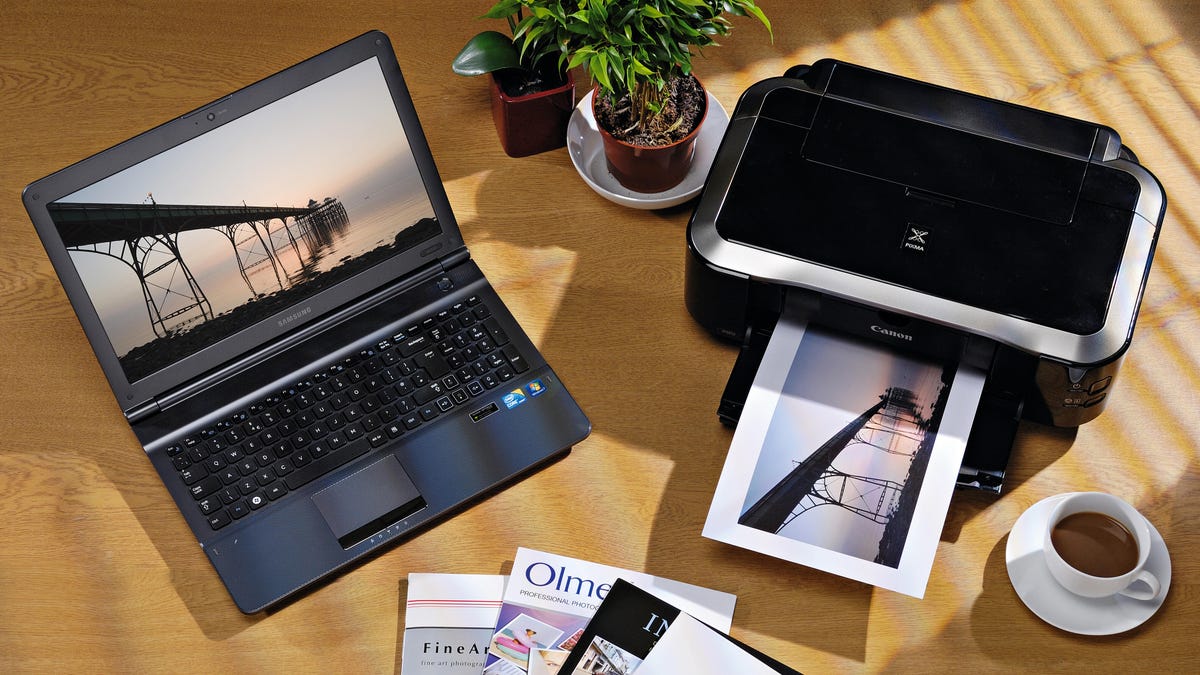
When you compare inkjet vs laser printers, it’s clear that inkjet printers excel when it comes to photo printing and versatility with various media types, ranging from glossy photo paper to cardstock.
Exploring Laser Printers
Laser printers, on the other hand, use toner rather than ink. This technology is particularly strong in different aspects:
- Advantages:
- Fast printing speeds, especially beneficial for large volumes of documents
- Toner does not dry out, offering a more reliable option for infrequent users
- Typically, lower cost per page compared to inkjet printers
- Disadvantages:
- Higher upfront cost
- Usually larger and heavier than inkjets
For business environments where document speed and reliability are crucial, laser printers generally come out ahead when evaluating inkjet vs laser printers.
Print Quality Comparison
Print quality is a significant factor in determining which printer type is right for you:
- Inkjet printers:
- Excellent for high-resolution photo prints and color gradients
- However, they may smudge if handled immediately after printing, as drying times vary with ink type
- Laser printers:
- Deliver crisp text documents with fast drying times, perfect for office use
- Color lasers have improved significantly, making them an option for color documents as well
The performance of both technologies has improved over recent years, but for photographic work, many users continue to prefer inkjets, while for text documents, lasers might be preferable.
Cost Considerations
Cost is often a dealbreaker when selecting inkjet vs laser printers. Here’s a breakdown:
- Inkjet:
- Lower initial cost, starting under $50 for basic models
- However, ink can be pricey over time, especially if printing frequently
- Laser:
- Higher upfront costs, generally ranging from $150 to $300
- Toner might be costlier initially, but longer lasting and generally cheaper per page
Ultimately, if you print frequently, a laser printer may save you more money in the long run, while infrequent users might find inkjets more suitable.
Which Type is Best for You?
Your choice between inkjet vs laser printers should be influenced by your specific needs. Consider:
- How often do you print? If it’s daily, a laser printer might be more efficient.
- What type of documents do you print? For photos and color graphics, an inkjet could be ideal.
- Budget: Think about initial costs and future expenses such as ink or toner
Additionally, similar to strategies discussed in exercise habits, simply determining your frequency and volume of printing can dictate the best printer choice for your needs.
Conclusion
From our analysis, it’s evident that both inkjet vs laser printers have distinct advantages that cater to different users. If you prioritize high-quality images and a low initial investment, an inkjet printer may be the best fit. However, if you need speed, reliability, and cost efficiency over time, a laser printer would likely serve you better. Take the time to evaluate what fits your printing habits and budget best before making a final decision.
To deepen this topic, check our detailed analyses on Tech Tips & Tricks section