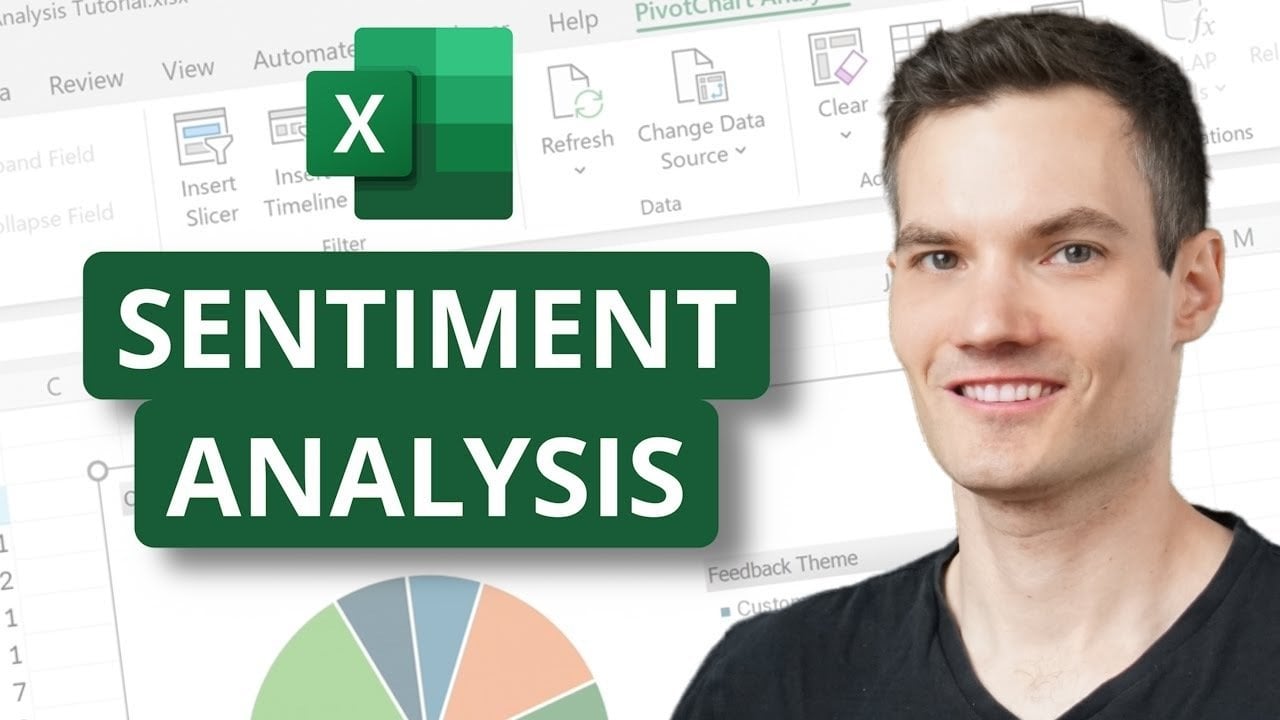
Have you ever wondered how businesses sift through mountains of customer feedback to uncover what truly matters? With the average company receiving hundreds, if not thousands, of product reviews, emails, or survey responses daily, manually analyzing this data can be incredibly time-consuming and prone to human error. Enter Microsoft Excel’s Copilot, an innovative feature that combines the power of artificial intelligence with Excel’s familiar interface. By integrating Excel Copilot Sentiment Analysis, this tool categorizes, summarizes, and visualizes sentiment, transforming how businesses interpret feedback. Whether you’re a seasoned data analyst or a curious beginner, Copilot empowers you to convert raw feedback into actionable insights that facilitate smarter, data-driven decisions. Ready to explore how AI can elevate your workflow? Let’s unravel the potential of sentiment analysis in Excel.
Understanding the Benefits of Excel Copilot Sentiment Analysis
The integration of Excel Copilot Sentiment Analysis unlocks several significant advantages for businesses. By leveraging AI, companies can extract key insights from customer feedback with remarkable efficiency. Some core benefits include:
- Time-Saving Automation: Eliminate the tedious manual analysis.
- Enhanced Accuracy: Reduce human error in data interpretation.
- Actionable Insights: Quickly identify themes and areas for improvement.
With Excel Copilot, companies can convert customer sentiment into identifiable, impactful metrics that guide decision-making processes, ultimately leading to improved customer satisfaction and loyalty.
How to Utilize Excel Copilot for Efficient Sentiment Analysis
To begin harnessing the power of Excel Copilot Sentiment Analysis, users first need to ensure their workbook is saved to the cloud. Accessing Copilot from the Home tab allows easy integration into your workflow, offering tools to summarize data, categorize feedback, and analyze sentiment using straightforward prompts.
Imagine asking Copilot to identify negative feedback related to pricing or summarizing sentiments regarding a recent product launch. This capability simplifies complex tasks, allowing you to prioritize interpreting results over performing tedious analyses. As highlighted in our exploration of AI strategies, businesses can maximize insights by utilizing tools seamlessly integrated within their existing frameworks.
Leveraging Python Integration for Advanced Data Visualization
Excel’s Python integration enhances Excel Copilot Sentiment Analysis by enabling advanced data processing and visualization techniques. Python scripts can create dynamic tools such as word clouds and heatmaps, offering visual clarity on patterns within extensive datasets.
For instance, a word cloud can highlight frequently mentioned terms in customer feedback, delivering a snapshot of recurring themes. Heatmaps can visually represent areas of concern or satisfaction within your data. This dual approach ensures that even complex analyses can be conducted efficiently, ultimately providing deeper insights into customer sentiment. The integration also resonates with methodologies discussed in our article about AI-driven tools that enhance security and analytical capabilities.
Analyzing and Categorizing Sentiments Effectively
One of the standout features of Excel Copilot is its ability to analyze sentiment directly within cells. Results can instantly display in various formats, such as text labels (“Positive,” “Neutral,” or “Negative”) or visual indicators like emojis. This categorization simplifies assessing customer feedback.
By isolating negative comments, businesses can proactively identify common complaints and address them. Similarly, Copilot automatically assigns themes to feedback, grouping comments by categories like “Delivery” for complaints about delivery times or “Quality” for remarks on product quality. These dynamic updates ensure that sentiment analysis remains current and accurate as new data flows in.
Visualizing Sentiment Analysis Results for Better Decision Making
Effective sentiment visualization is critical for interpreting results meaningfully. Excel’s pivot tables and charts serve as powerful tools for summarizing and presenting findings. By employing pivot tables, companies can count feedback entries by sentiment or category, offering clear breakdowns of customer opinions.
Charts, such as bar graphs or pie charts, enhance data communication, simplifying the interpretation of insights. For example, a pie chart depicting positive, neutral, and negative feedback can quickly convey customer satisfaction levels. Such visualization tools not only improve the sharing of insights but also facilitate informed decision-making with stakeholders, thereby fostering a culture of data-driven insights.
Real-World Applications of Excel Copilot Sentiment Analysis
The practical applications of insights obtained from Excel Copilot Sentiment Analysis are far-reaching. Identifying frequent customer pain points, such as delivery delays, allows businesses to develop targeted solutions. Understanding strengths—like positive responses towards customer service—enables companies to reinforce and enhance these areas.
- Improve Customer Satisfaction: By addressing pain points directly.
- Optimize Operations: Based on recurring feedback themes.
- Enhance Product Offerings: Focusing on areas praised or criticized.
Using Excel Copilot Sentiment Analysis, businesses can stay ahead of customer needs, ensuring continuous improvement and growth. Similar to the insights outlined in AI Email Fraud Prevention, the focus remains on adapting strategically to new information.
Maximizing the Potential of Microsoft Excel Copilot
Microsoft Excel Copilot harnesses AI, Python integration, and cloud functionalities, making sentiment analysis both accessible and efficient. By categorizing feedback, analyzing sentiment, and visualizing data through pivot tables and charts, users can transform raw customer feedback into actionable insights that drive informed decisions. Whether handling small datasets or extensive customer feedback, Excel Copilot arms businesses with the tools necessary for precise responsiveness to customer needs, promoting continuous improvement and a competitive edge.
To deepen this topic, check our detailed analyses on Gadgets & Devices section.