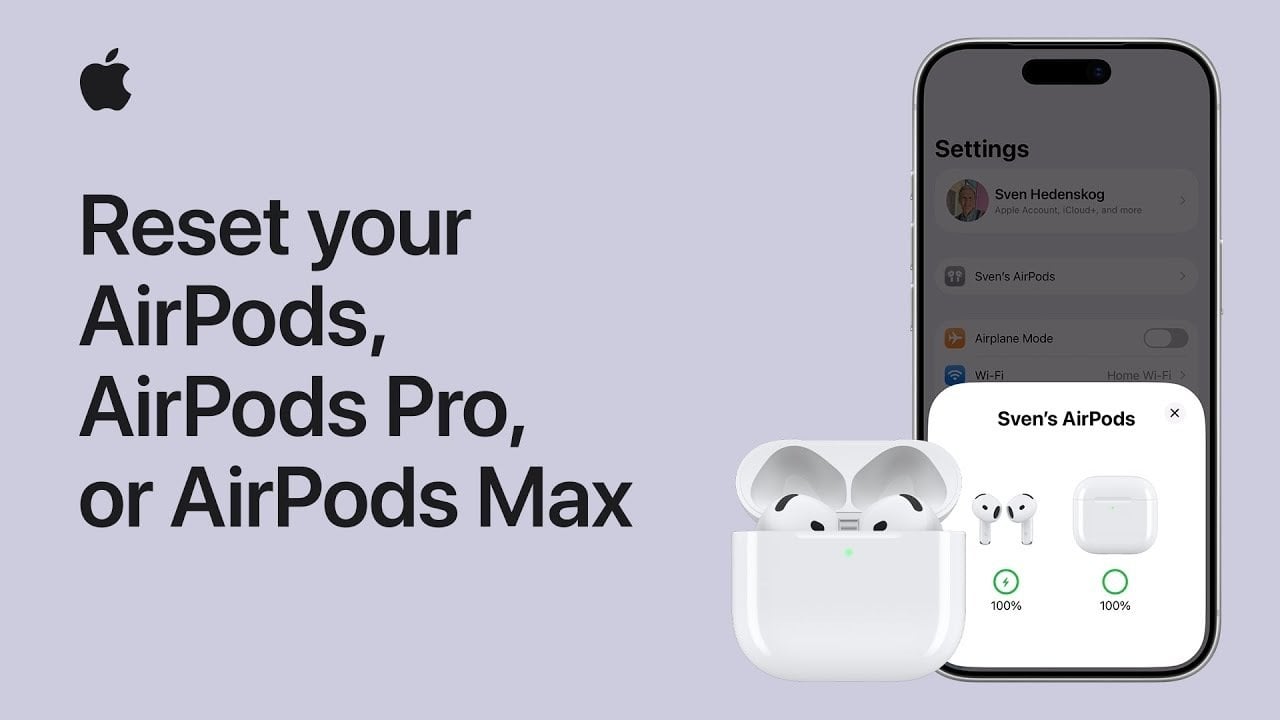
Resetting your AirPods, AirPods Pro, or AirPods Max can be a simple yet effective solution to a range of issues—from connectivity problems to configuring them for a new device. If you’ve been experiencing glitches or if your earbuds just won’t connect, a thorough AirPods reset might be all you need. This guide will walk you through the essential steps to unpair and reset your AirPods, ensuring they’re ready for a seamless pairing experience.
Understanding the Importance of an AirPods Reset
When it comes to maintaining the performance of your AirPods, knowing how to effectively reset AirPods is crucial. Whether you’re preparing to sell them, pass them to a friend, or simply troubleshooting, a reset ensures that any paired devices and settings are cleared. This also gives you a clean slate to work from, often resolving lingering issues such as audio cutouts or persistent connections.
Unpairing Your AirPods and AirPods Pro
Before you proceed with resetting your AirPods or AirPods Pro, you first need to unpair them to avoid any lingering connections to your device. This step is essential for ensuring that your AirPods reset process is effective. Here’s how to unpair:
- Place your AirPods in their charging case and close the lid to disable them.
- Open the lid of the charging case and dismiss any prompts that may appear on your iPhone.
- Access the Bluetooth settings on your phone or directly go to the AirPods settings.
- Locate your AirPods in the list of connected devices and tap **“Forget This Device.”**
Once unpaired, your AirPods will no longer be linked to your iCloud account, making them ready for the reset.
Steps to Reset Your AirPods or AirPods Pro
The actual process for resetting your AirPods or AirPods Pro depends on the model of their charging case. Follow these instructions based on whether your case has a setup button:
- If your case does not have a setup button:
- Double-tap the front of the case, and watch for the LED status indicator to flash white.
- Continue to double-tap until the LED flashes amber, then back to white.
- If your case has a setup button:
- Press and hold the setup button on the back of the case for about 15 seconds.
- Release the button when you see the LED flash amber, followed by white.
After completing these steps, your AirPods or AirPods Pro will be reset to factory settings, poised for pairing with a new device.
Unpairing AirPods Max
Resetting the AirPods Max requires slightly different steps. First, you must unpair them from your device:
- Ensure your AirPods Max are powered on and out of their Smart Case.
- Go to the Bluetooth settings on your iPhone and tap **“Forget This Device.”**
This action removes your AirPods Max from all iCloud devices and makes them ready for a subsequent reset.
Resetting Your AirPods Max
To reset your AirPods Max, start with a quick charging session:
- Charge your AirPods Max for a few minutes to ensure they have enough battery.
- Press and hold both the noise control button and the digital crown for 15 seconds.
- Release the buttons when the LED status indicator flashes amber, then white.
This process will restore your AirPods Max to factory settings, making them ready for new pairings.
Pairing After the Reset
Once you’ve successfully reset your AirPods, AirPods Pro, or AirPods Max, they’re ready for a new connection:
- For AirPods or AirPods Pro: Simply open the charging case near your device and watch for the setup prompt on your screen.
- For AirPods Max: Power on the headphones and bring them close to your device to begin pairing.
Following this step-by-step pairing process will ensure that your AirPods reset is complete, allowing for optimal performance with any compatible device.
For deeper insights and additional help on resetting your AirPods, check out our articles like the ones on Taiwan Semiconductor earnings and AI humanisers vs. human editing, which explore related technologies and tips.
To deepen this topic, check our detailed analyses on Gadgets & Devices section