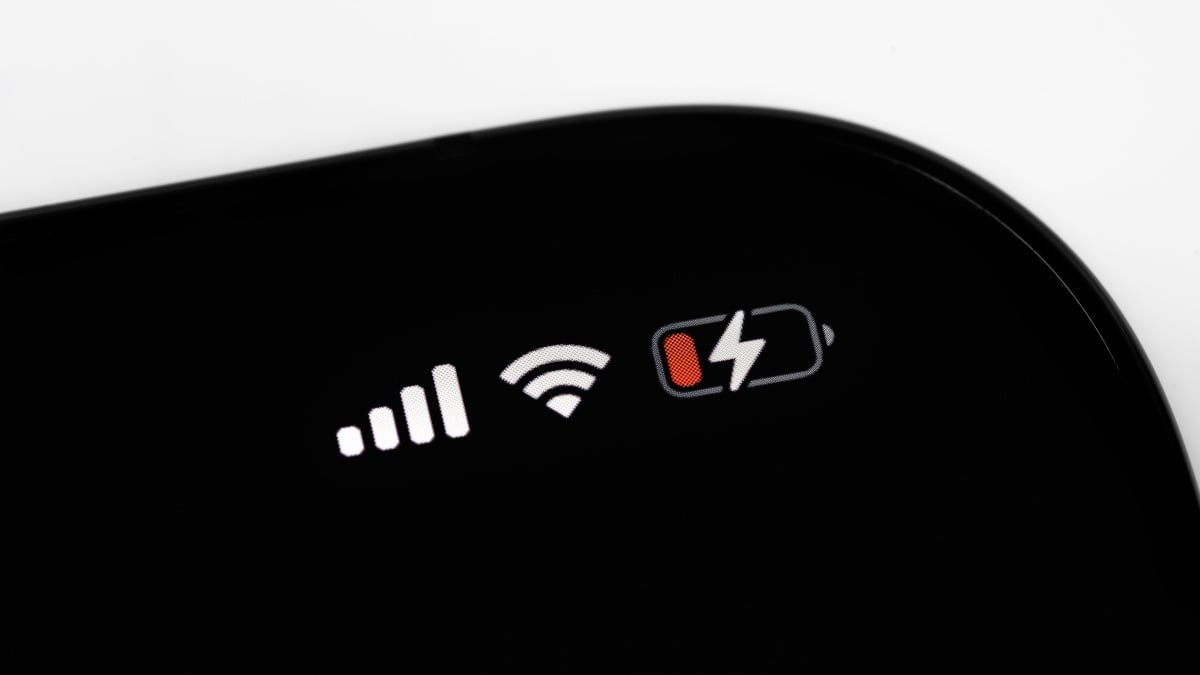
Did you know there’s a powerful tool designed to extend your iPhone’s battery life? The adaptive power setting in iOS 26 is here to optimize your device’s performance. More than just a battery-saving feature, it employs on-device AI to anticipate when you’ll need additional power. This means it’s not just about keeping your device running longer—it’s about enhancing your overall experience. Whether you’re on a busy day out or during a long meeting, this feature promises to make your battery last longer when you need it most. In this article, we explore how the adaptive power setting works, its benefits, and how you can make the most of it for optimal battery performance.
Understanding the Adaptive Power Setting
The adaptive power setting utilizes advanced algorithms to monitor your usage patterns and make real-time adjustments to your iPhone’s performance. It slows down processing speeds and reduces screen brightness when it deems necessary, which ultimately conserves battery life. This feature operates automatically, kicking into gear when your device’s battery drops to 20%. Imagine not having to constantly check your battery level—Adaptive Power does that for you!
Additionally, it’s crucial to discuss the distinctions between adaptive power and Low Power Mode. While both aim to extend battery life, Low Power Mode is more aggressive, limiting numerous tasks like mail fetch and iCloud syncing. In contrast, adaptive power is more about refining your device’s performance, achieving a balance between functionality and power conservation.
For device owners with the latest models, the feature is enabled by default. However, users of earlier models may have to turn it on manually. Access it by navigating to Settings > Battery > Power Mode to toggle the “Adaptive Power” setting.
How Adaptive Power Boosts Battery Life
Imagine you’re in the middle of a crucial task, and your battery starts to dwindle. With the adaptive power setting, your iPhone’s performance intelligently adjusts to prolong battery life. Here’s how:
- Slows processing speeds: When demanding applications are running, adaptive power temporarily reduces the CPU speed, slowing tasks down just enough to save charge without impacting essential functions significantly.
- Lowers screen brightness: A minimal reduction in brightness (3%) can help conserve energy. This might seem small, but it adds up to extended usage time.
As more people rely on their smartphones for everyday tasks, the importance of battery efficiency has skyrocketed. With adaptive power, Apple aims to ensure users never face the dreaded dead battery scenario unexpectedly.
Turning On or Off Adaptive Power Setting
If you own an iPhone 15 Pro or newer but find that the adaptive power setting is not enabled, it’s easy to activate:
- Open your Settings application.
- Scroll down and tap on Battery.
- Select Power Mode and toggle the switch next to Adaptive Power.
In addition, there’s an option to receive notifications when adaptive power is activated. This feature keeps you informed, ensuring you’re always in the loop and never caught off guard by a sudden dip in performance or battery life.
Data and User Experiences
User feedback about the adaptive power setting in iOS 26 has been largely positive, with many noticing an improvement in battery longevity. While some users initially struggled to notice the difference, many agree it offers a fighting chance against battery drain. However, it would be helpful for Apple to include specific metrics within battery stats, allowing users to assess how effective the feature is over time.
For those interested in maximizing their battery efficiency even further, you can delve into resources like iOS 26 Battery Settings, which provides additional insights on optimizing settings for better performance.
Conclusion: Making the Most of Adaptive Power
In summary, the adaptive power setting represents an exciting development in iOS battery management. By intelligently managing performance based on your habits and needs, it serves as a safeguard against battery drain. If you’re looking for easy ways to improve your iPhone’s battery life, consider using this fantastic feature.
To deepen this topic, check our detailed analyses on Tech Tips & Tricks section
For more in-depth discussions on managing battery life effectively, explore iOS 26 User Guide and others for practical strategies tailored for your device.
With the adaptive power setting readily available, users have a powerful ally in their quest for longer battery life. Don’t wait—take advantage of this feature today!