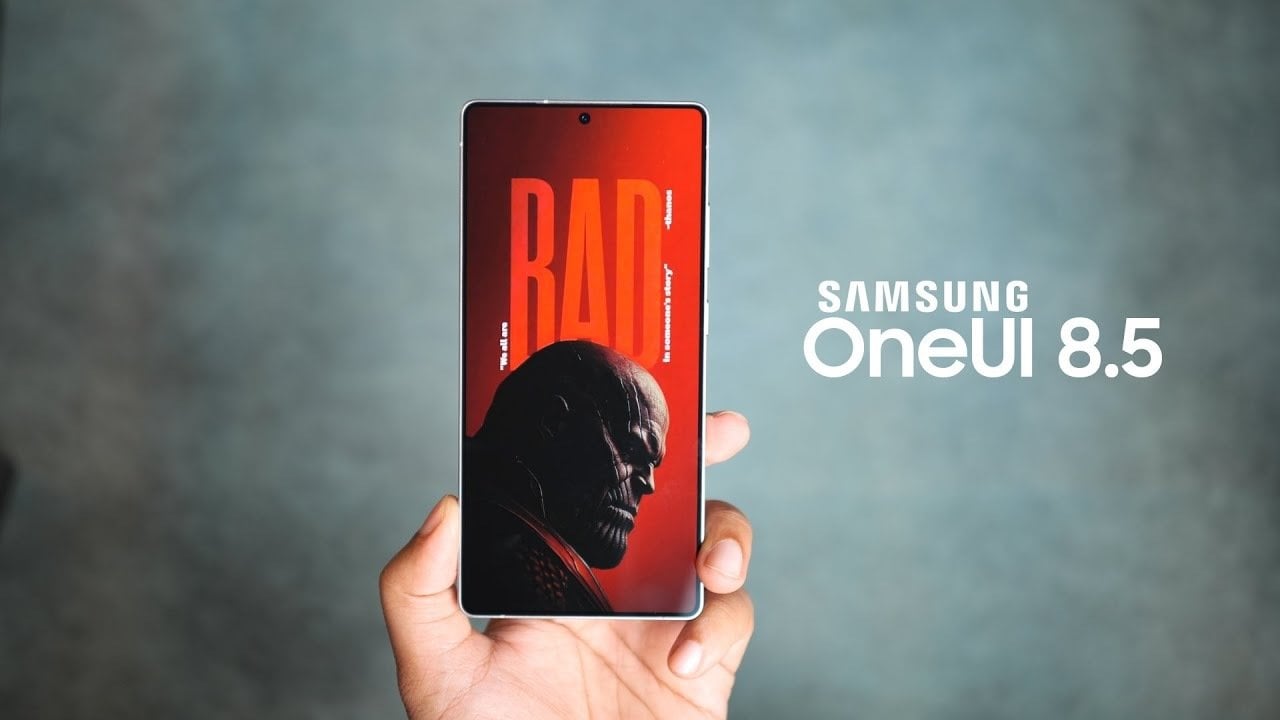
For Samsung enthusiasts and tech-savvy individuals alike, the anticipation surrounding **Samsung One UI 8.5** is palpable. This innovative Android interface promises to elevate user experience to unprecedented levels upon its launch, coinciding with the unveiling of the Galaxy S26 Ultra. With the emergence of groundbreaking design elements and AI-driven functionalities, **Samsung One UI 8.5** is set to redefine what users can expect from their devices. As details leak, it has become clear that this latest update enhances usability, style, and efficiency—all of which promise to meet the diverse needs of contemporary users. Below, we delve into the most significant updates and enhancements that you can look forward to with this release.
Design Enhancements in Samsung One UI 8.5
The aesthetic evolution of **Samsung One UI 8.5** introduces a cleaner, modern interface that aligns with Google’s Material 3 design principles. This fresh approach focuses on simplicity and visual clarity, enhancing user navigation and overall interaction:
- Redesigned Dialer App: Experience an intuitive navigation system with a new pill-shaped dock for tabs, ensuring quick access to essential features.
- Streamlined Settings Menu: The Settings app now boasts a compact layout with a floating AI-powered search bar, improving readability and accessibility.
- Gradient Design Elements: System apps like Quick Share and My Files have been visually upgraded, incorporating gradient elements for a modern aesthetic.
- Improved Device Care Section: Performance metrics are now clearly displayed with wide bars and text indicators, replacing emojis for a professional presentation of insights.
- Customizable Notifications Panel: The notifications panel features a new fading effect, allowing you to prioritize alerts while maintaining organization.
These design updates aim to foster a cohesive and user-friendly experience, ensuring that both new users and veterans can navigate the interface effortlessly.
AI-Powered Features in One UI 8.5
Artificial intelligence takes center stage with the introduction of smart features in **Samsung One UI 8.5**. These enhancements focus on boosting productivity while simplifying user interactions:
- AI Notification Summaries: Notifications are intelligently grouped and prioritized, helping you focus only on what matters without feeling overwhelmed.
- Automatic Call Screening: This feature screens unknown, spam, or spoofed calls, providing real-time transcripts so users can make informed decisions about which calls to answer.
- Enhanced Modes and Routines: Thanks to AI integration, tasks such as traffic updates and email summarization can be automated, adapting seamlessly to your daily habits.
These innovations not only improve overall functionality but also tailor the experience to meet individual user needs more effectively.
Functional Upgrades for Enhanced Usability
Beyond design and AI enhancements, **Samsung One UI 8.5** offers practical upgrades geared toward improving daily usability and customization possibilities:
- Generative Edit Effects in Photo Editing: A new tool allows users to select and modify objects within images easily, enhancing their editing capabilities.
- Galaxy Themes Enhancements: A prominent paintbrush icon simplifies theme personalization, making it easier to match your device’s appearance with your style.
- Refined Icons and Widgets: Minor updates to stock app icons and widgets provide a more polished appearance.
- Improved Multitasking Features: Enhanced split-screen and pop-up functionalities allow users to manage multiple tasks smoothly.
These upgrades ensure that **Samsung One UI 8.5** is not only visually appealing but also more efficient, offering tools designed to enhance productivity and personalization.
A Comprehensive Update for Elevated User Experience
In sum, **Samsung One UI 8.5** represents a well-rounded update that synergizes aesthetic enhancements, AI-driven features, and functional upgrades. By embracing customization, intelligent automation, and a streamlined interface, this new version significantly improves the overall user experience. Whether you are captivated by the modern design, the automated call screening, or the advanced photo editing tools, **Samsung One UI 8.5** delivers a vast array of features tailored to diverse user needs. Set to debut on the Galaxy S26 Ultra, this update sets a new benchmark for mobile interfaces, showcasing Samsung’s unwavering commitment to innovation and user-centric design.
Stay abreast of the latest developments in **Samsung One UI 8.5** by exploring our in-depth resources on related topics.
To deepen this topic, check our detailed analyses on Gadgets & Devices section.